
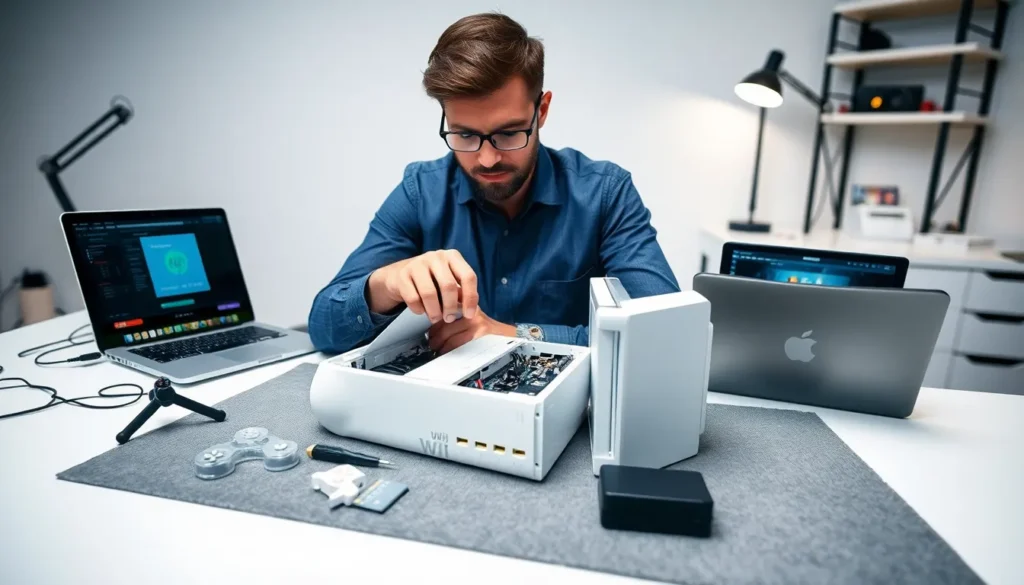
Nintendo Wii tools have kept this classic console alive and thriving years after Nintendo officially ended support. Whether someone wants to run homebrew applications, back up game libraries, or repair aging hardware, the right tools make all the difference.
The Wii remains popular among retro gaming enthusiasts and DIY tinkerers. Its accessible architecture and massive game library attract users who want more control over their gaming experience. This guide covers the essential software and hardware tools every Wii owner should know about, from modding utilities to repair equipment.
Table of Contents
ToggleKey Takeaways
- Nintendo Wii tools include both software (homebrew apps, USB loaders, backup utilities) and hardware (specialized screwdrivers, soldering equipment) to extend your console’s life.
- The Homebrew Channel serves as the essential gateway for running custom applications and game backups on a modded Wii.
- USB Loader GX and WiiFlow are the most popular backup loaders, allowing you to play games directly from USB drives or SD cards.
- Always create a NAND backup with BootMii before modding—it can save your console from permanent damage.
- Hardware repairs require tri-wing screwdrivers, plastic spudgers, and quality soldering equipment for modchip installations.
- Download Nintendo Wii tools only from trusted sources like official repositories to avoid malware and system instability.
Understanding Wii Homebrew and Modding Tools
Homebrew refers to software created by independent developers that runs on the Wii without Nintendo’s authorization. Nintendo Wii tools in this category let users expand their console’s capabilities far beyond its original design.
The Homebrew Channel serves as the gateway for most Wii modding projects. This application creates a launching point for unsigned code, custom apps, and game backups. Users install it through various exploits that take advantage of software vulnerabilities in the Wii’s operating system.
Popular exploits include:
- LetterBomb: Uses the Wii Message Board to trigger installation
- Wilbrand: A newer alternative that works on all Wii system versions
- ModMii: An all-in-one tool that guides users through the entire softmod process
Custom IOS (cIOS) installations form the backbone of most Wii modding setups. These modified system files enable backup loaders, USB storage support, and enhanced compatibility with homebrew applications. D2X cIOS remains the current standard, offering stability and broad game support.
Wii modding tools also include priiloader, which provides brick protection and system menu modifications. This utility loads before the system menu, giving users recovery options if something goes wrong during the modding process.
Essential Software Tools for Wii Users
Several Nintendo Wii tools have become essential for anyone managing a modded console. These applications handle everything from game backups to media playback.
USB Loaders
USB Loader GX stands out as the most popular backup loader. It displays game covers, supports multiple storage devices, and plays games directly from USB drives or SD cards. The interface feels polished and user-friendly.
WiiFlow offers an alternative with its coverflow-style presentation. Some users prefer its visual design and plugin support for emulators and other homebrew apps.
File Managers
WiiXplorer functions as a file browser that handles the Wii’s NAND storage and external devices. Users can copy, move, and delete files without connecting their SD card to a computer.
ShowMiiWads installs WAD files, packaged Wii channels and applications, directly to the system. This tool simplifies adding virtual console games and custom channels.
Backup and Utility Tools
CleanRip creates 1:1 disc backups that preserve games in their original format. The application verifies dumps against known checksums to ensure accuracy.
BlueDump extracts game files, channels, and system data for backup purposes. It proves useful for preserving digital purchases and creating custom installations.
Nintendo Wii tools for media include WiiMC, which transforms the console into a capable media center. It plays video files, streams content, and supports various audio formats, giving the Wii new life as an entertainment hub.
Hardware Tools for Wii Repair and Maintenance
Physical Nintendo Wii tools become necessary when consoles develop hardware problems or need internal modifications. A basic toolkit covers most repair scenarios.
Opening and Disassembly Tools
The Wii uses tri-wing screws that require specialized screwdrivers. A Y1 tri-wing driver removes the external case screws, while Phillips head drivers handle internal components. Investing in quality drivers prevents stripped screws and frustration.
Plastic spudgers and pry tools help separate the console’s casing without scratching surfaces. These soft tools work better than metal implements, which can leave marks or damage delicate clips.
Soldering Equipment
Hardware mods like modchip installation require soldering skills and equipment. A temperature-controlled soldering station provides consistent heat for clean joints. Lead-free solder and flux improve connection quality.
Some Nintendo Wii tools address specific hardware modifications:
- Wiikey and similar modchips: Enable disc backup playback without softmods
- Region-free modifications: Allow playing imports from any region
- Bluetooth module replacements: Fix controller sync issues
Cleaning and Maintenance Supplies
Compressed air clears dust from vents and the disc drive mechanism. Thermal paste replacement improves cooling on consoles with overheating problems. Isopropyl alcohol (90% or higher) safely cleans circuit boards and connectors.
Lens cleaning discs can help with disc read errors, though stubborn issues often require manual lens cleaning with cotton swabs and alcohol.
Safety Tips When Using Wii Modding Tools
Working with Nintendo Wii tools carries some risk. Poor decisions or rushed installations can brick consoles or corrupt data. Following basic safety practices protects both hardware and game libraries.
Always create a NAND backup first. BootMii creates full system backups that enable recovery from most brick situations. This step takes minutes but can save hours of troubleshooting, or an entire console.
Install priiloader for brick protection. This tool provides recovery options even when the system menu fails to load. It acts as a safety net during risky modifications.
Use trusted sources for downloads. Homebrew applications should come from official repositories or verified community sources. Modified files from unknown sites can contain malware or cause system instability.
Double-check IOS and cIOS versions. Installing incorrect system files causes most software bricks. Guides from respected community sources like Wii.Guide provide tested instructions.
Work slowly during hardware modifications. Rushed soldering leads to cold joints, bridges, and damaged components. Taking time produces better results than speed.
Keep the console well-ventilated. Modded Wiis running USB loaders often work harder than stock units. Good airflow prevents overheating and extends hardware life.
Nintendo Wii tools require patience and attention to detail. Skipping steps or ignoring warnings leads to problems that proper preparation avoids.


